AkoNaPo.net
October 24, 2026 · 4 min read ·
How clinics can cut no-shows with Messenger reminders
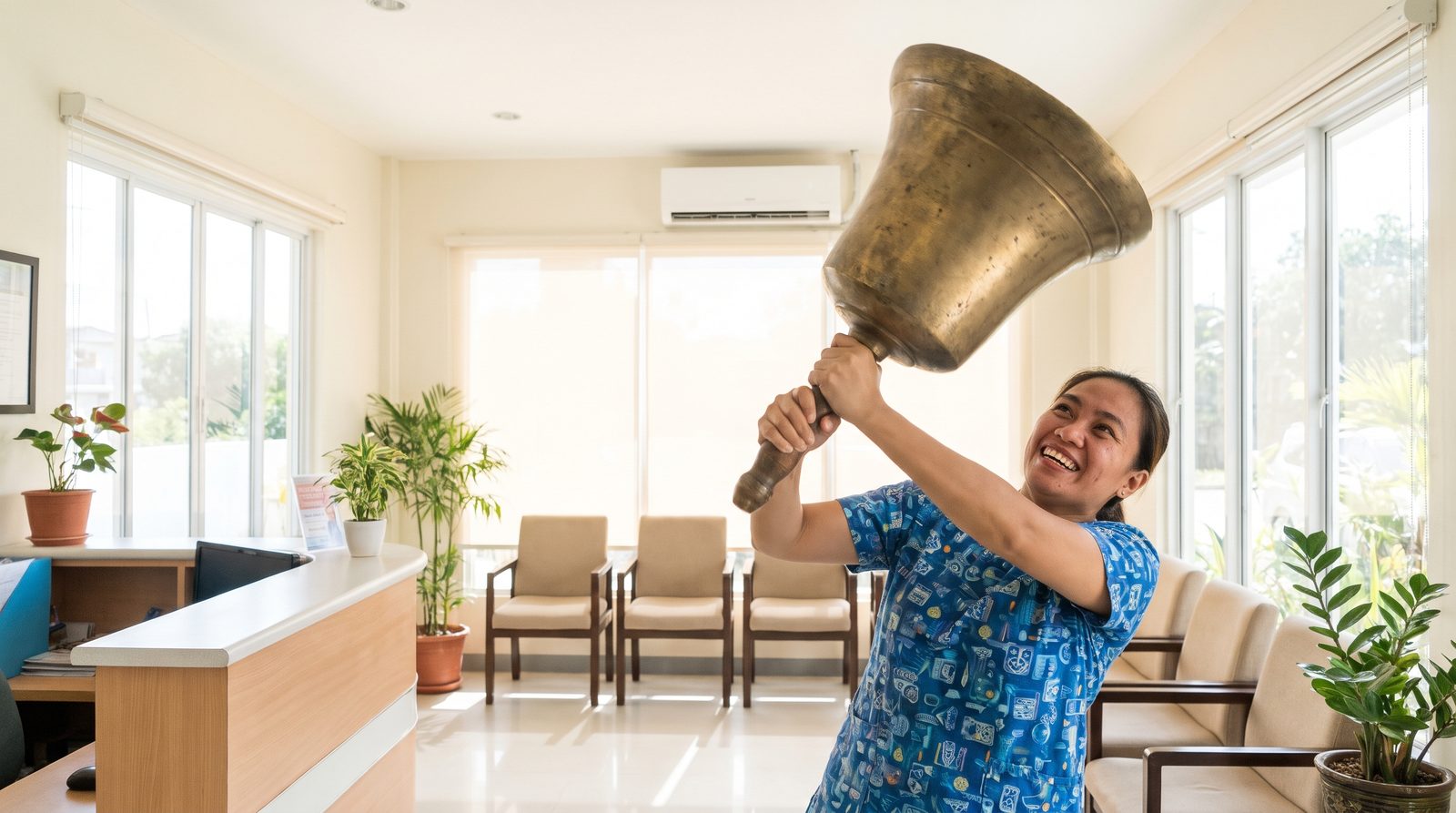
Empty chairs cost the same as full ones. A few well-timed messages bring patients in, and open up slots for others when they can’t make it.
Most no-shows are forgotten, not cancelled
Patients book on a Tuesday night for a Saturday appointment, then life happens. A reminder in the app they already use is often all it takes.
Send two reminders
- The day before: date, time, doctor, and any prep, like fasting before blood tests.
- The morning of: a short nudge with your address and parking tip.
Ask for a confirmation
End the first reminder with a simple question: “Confirmed po ba kayo?” Patients who confirm almost always come. Patients who don’t reply are your risk list.
If someone can’t make it, offer to rebook right away, before they disappear.
Refill the slot from a waitlist
Keep a short list of patients who wanted an earlier date. When a slot opens, message them first. One filled cancellation can pay for a month of reminders.
Use deposits for long procedures
For aesthetic treatments and long procedures, a small deposit through your own GCash QR makes people commit. Set the rule once, and apply it the same way for everyone.
Bring patients back on schedule
- Cleanings every six months
- Follow-up checkups
- Vaccine boosters
- The next session in a package
What should never be automated
Reminders are admin. Medical advice is not. Questions about symptoms, medication, or whether a treatment suits someone should always go to your staff. Anything that sounds like an emergency should get one answer: call 911 or go to the nearest ER.
Handle patient data under the Philippine Data Privacy Act (RA 10173): collect only what you need, and delete it when asked.
Where AkoNaPo fits
AkoNaPo sends the reminders, collects confirmations, offers open slots to your waitlist, and sends recalls. Medical questions always go to your team, and it pauses itself when they do.
See how it works for medical services.
Learn more